Video Tutorial- How to Move an Element Position Before and After with JavaScript

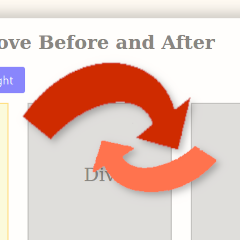
In this tutorial, we will take an unlimited number of similar elements on the page, and move one item ahead of or before the current one.

In this tutorial, we will take an unlimited number of similar elements on the page, and move one item ahead of or before the current one.

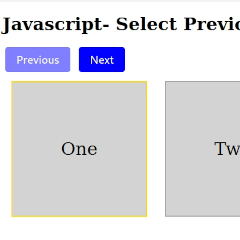
In this tutorial, we will create a basic selection interface. Using JavaScript, HTML and CSS, our finished product will highlight identical elements on the screen from clicking next and previous buttons.
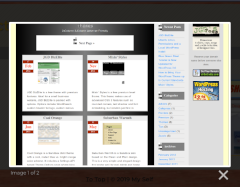
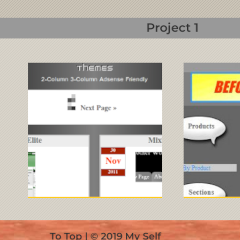
This tutorial picks up from the last tutorial in a series, titled How to Convert a Desktop Design to a Responsive Design- Part 3. However, that tutorial isn’t required as a prerequisite. In this one, we will use the lightbox2 script in our portfolio example, then apply it to all linked images. Quite simple. Let’s […]
Welcome back to the responsive design series. This tutorial series has been on a long hiatus because I started working on other updates and what not. But since I started working with my portfolio site with the aim of completing it, after several months I am reviving it to pick up where we left off.
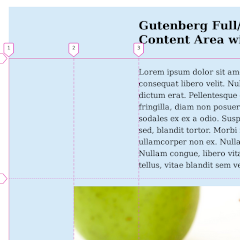
For about a year, as you know, WordPress has replaced the TinyMCE editor with a new one that uses blocks. Gutenberg, now known as WordPress 5.0 and up, allows blocks to be placed on the page and moved around for a richer editing experience. A few blocks, such as the Image, Cover Image and Column, […]

Welcome to the next tutorial in the series of modernizing an old desktop layout. In the previous tutorial, How to Convert a Desktop Design to a Responsive Design- Part 2, you may have noticed in some of the screenshots, that the header text looked different than originally depicted. That is because I used some CSS […]