Changing the Look of Urban Square

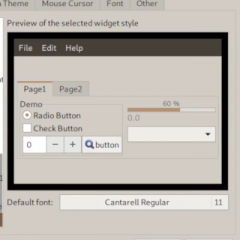
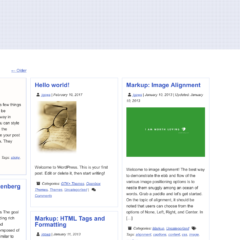
Upon updating the Urban Square WordPress theme, I thought now would be as good a time as ever to write a tutorial on how to use its customization features to change the look and feel of the theme.

Upon updating the Urban Square WordPress theme, I thought now would be as good a time as ever to write a tutorial on how to use its customization features to change the look and feel of the theme.

Upon creation of my latest theme, The M.X., I implemented a way to limit the thumbnails presented within a gallery using php. In The M.X., the functions associated work within the Gallery post format and on non-single pages. So, I followed the tutorial

If you have created a WordPress website or theme that uses skrollr.js, you might know that it uses an alternative variation of scrolling for mobile devices,

You’ve probably seen the action of hiding Customizer controls until you click a radio button within the Static Front Page section. You have a choice between Your latest posts and A static page. When a user selects a static page, two more controls appear.

For the lack of a better title, what I mean here is, say you have black as your darkest color for design A, and a maroon as the darkest color for design B.

While customizing my new Arch and Openbox setup, I was generating menus with menumaker, but I wanted at least the Applications part of my menu to update as soon as new applications are installed. So, I needed an application specific pipe menu to fulfill this purpose.