Mixin’ Styles- GB 1.4 New Button and Navigation Styles
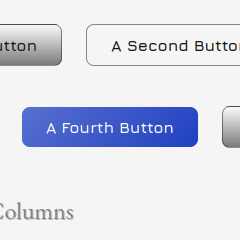
The latest version of Mixin’ Styles- GB just dropped– version 1.4. With it brings new Button and Navigation block styles, which I am proud to showcase. These have been in planning for a while and I’ve finally gotten around to it.
The styles will be shown with the default card style and without it.
Without further ado, I present these:
Buttons
Default
First, I wanted to start off with the default button style. Before, the default was just the Fill style, but now it is a button without a background color.
I designed it to disable the background color, so users will have to choose the Fill style if they want a button with a background.
Disappearing
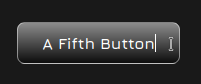
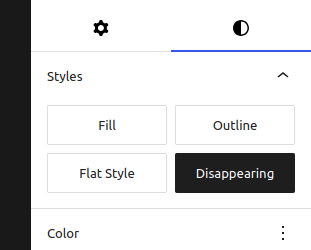
The disappearing style looks like a simple link, until you hover over it.
Also disabling the background color and gradient, this button’s border takes on a chosen text color.
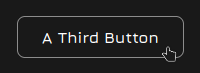
Flat
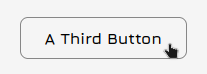
The Flat style by default looks good against the Card background default, rather than a dark background. Of course, you can simply change the background color of the button.

Navigation
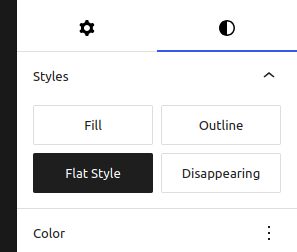
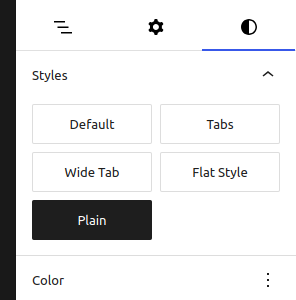
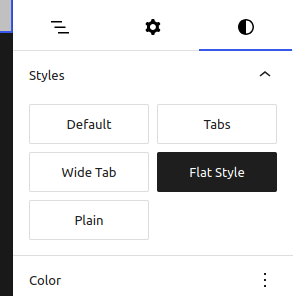
There are only two new Navigation block styles– Plain and Flat Style. To change these, we must head to the Site Editor.
Plain
The Plain style for navigation simply removes the borders found with the default style. It works well with some of the new Header patterns which will be discussed in an upcoming post.

Flat Style
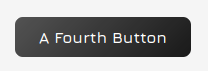
To complement the Flat button style mentioned above, we have the Flat navigation style. This adds the theme’s Tertiary background color and a slight gradient.

Conclusion
This is just part of the new features in Mixin’ Styles- GB 1.4! There are also some new header patterns that will be looked at in the next article. Stay tuned.
Thanks for reading and using Mixin’ Styles- GB as your theme, if you do.
Leave a Reply