
JGD-Black GTK+3
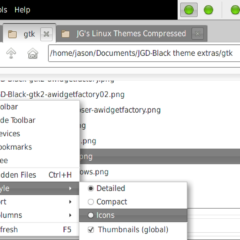
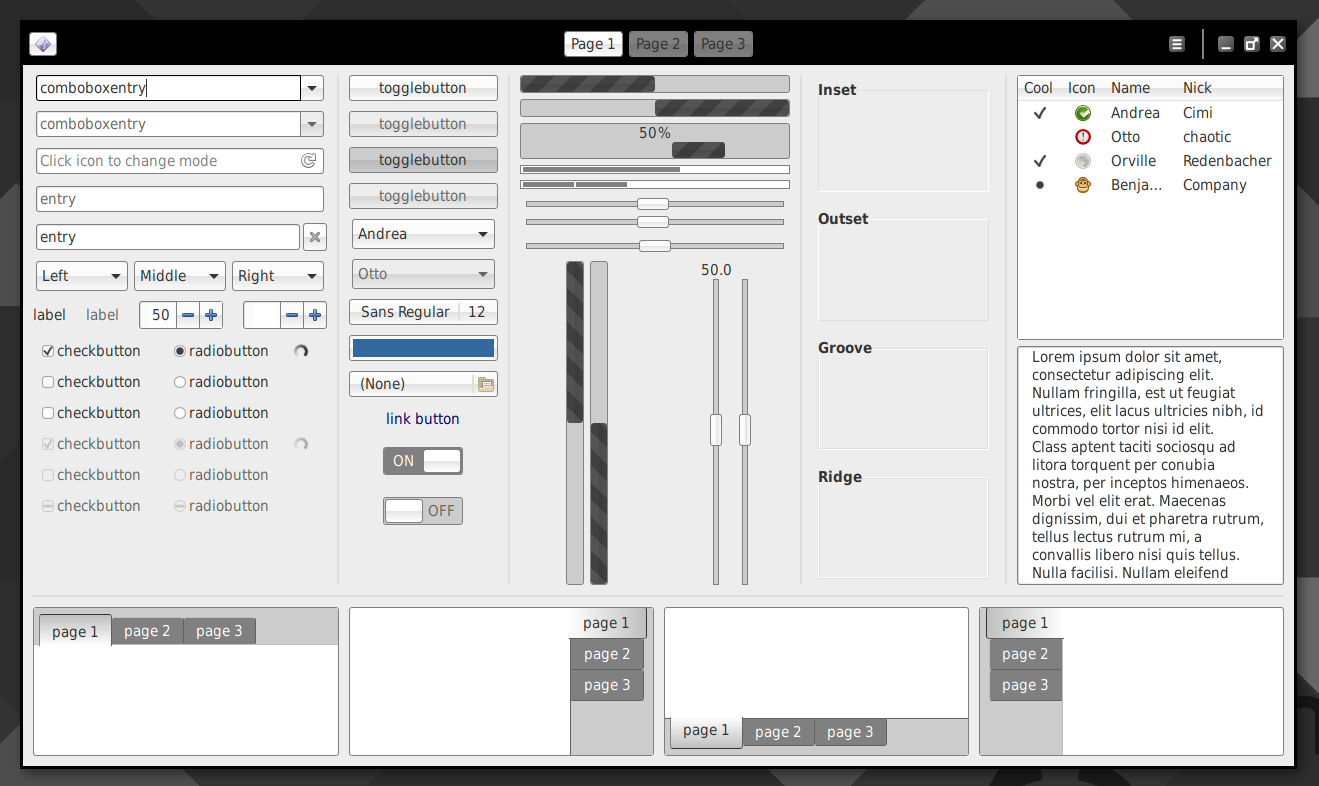
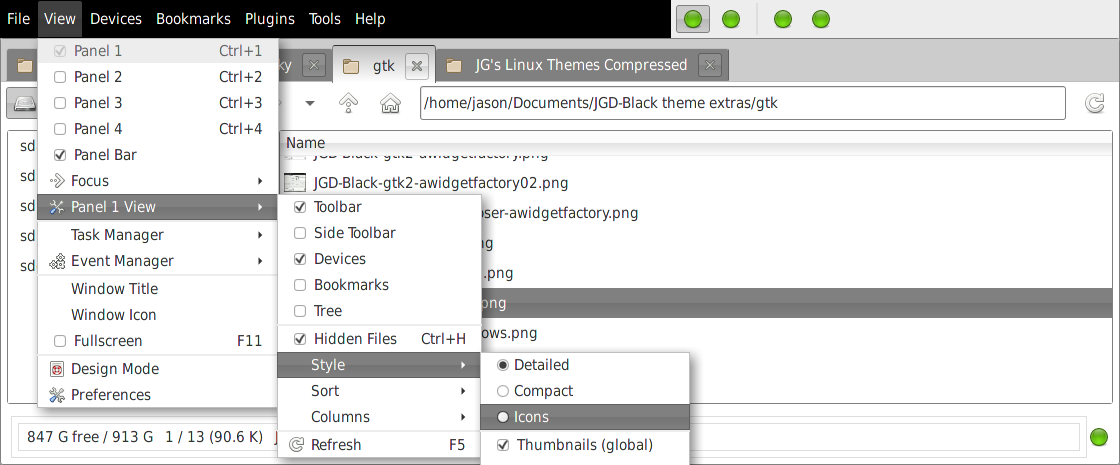
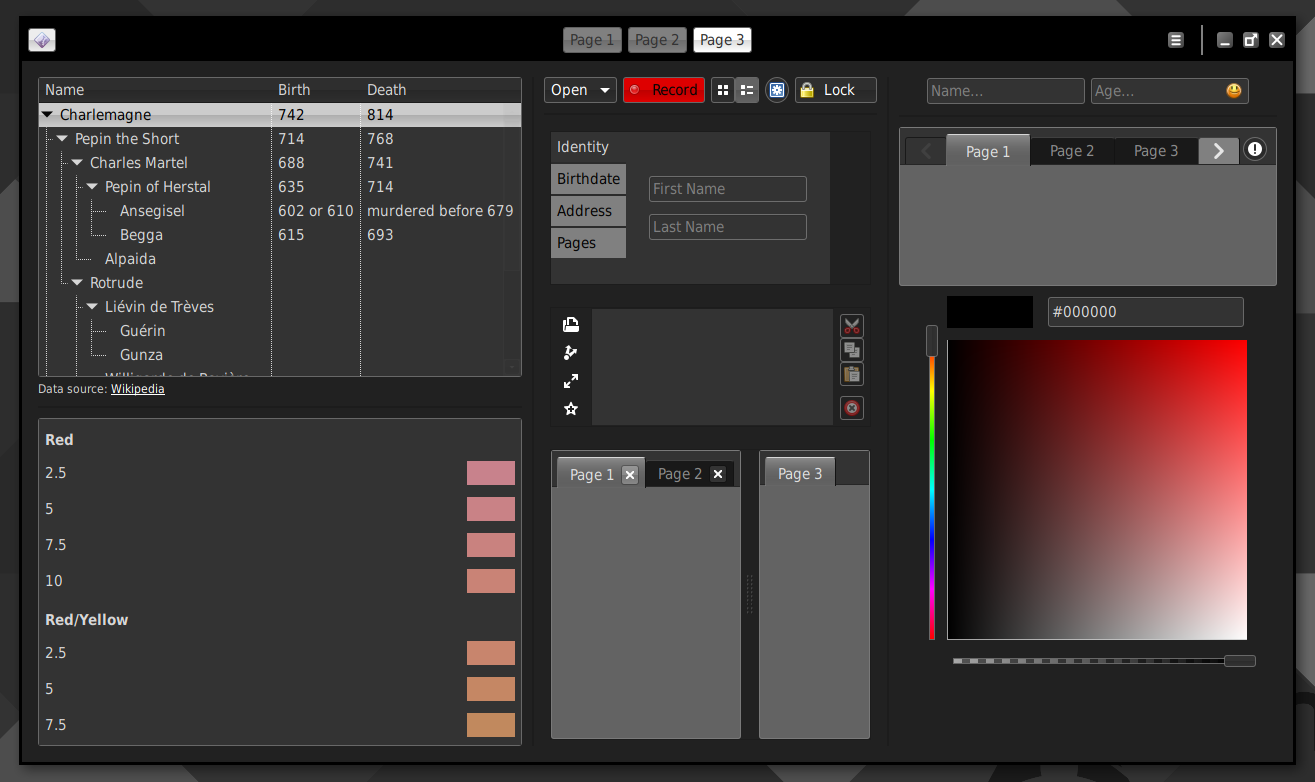
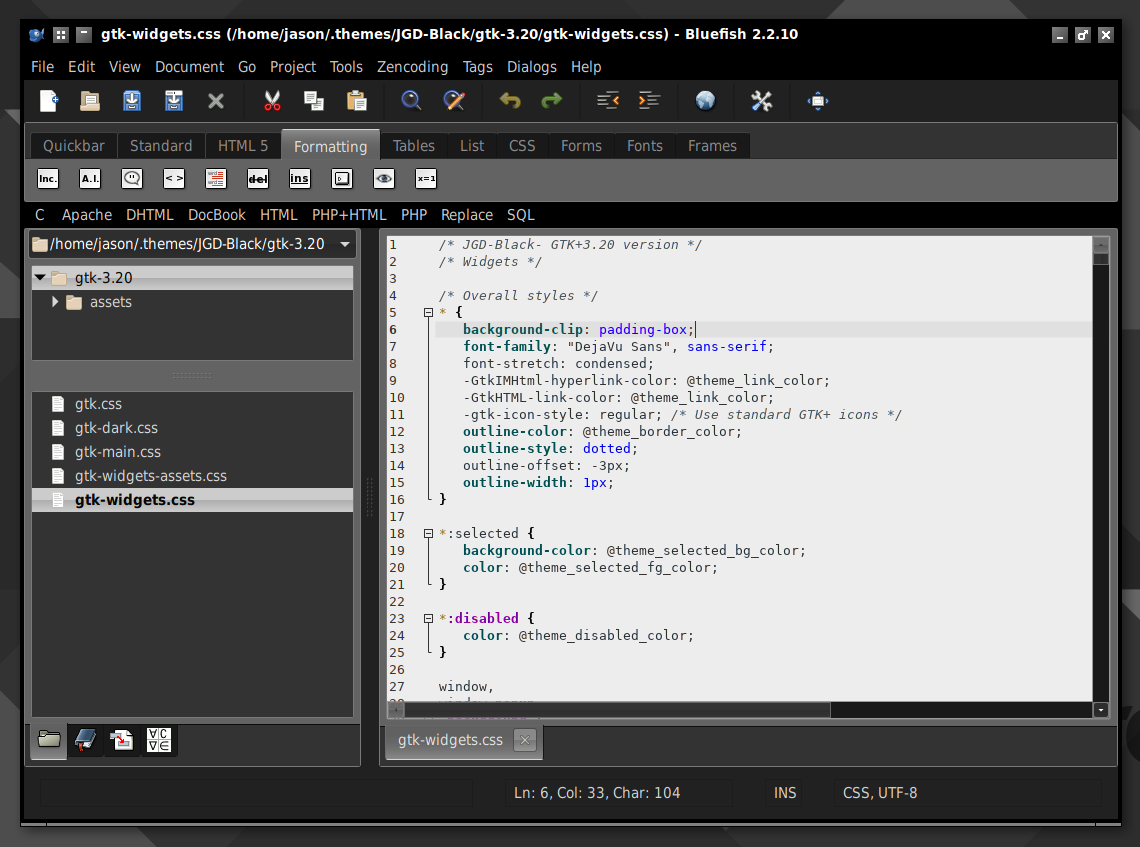
JGD-Black is a theme collection for GTK applications and Openbox. This collection will style your desktop with glass buttons, pure black top level menus, subtle gray shadows and borders.
With this theme package, you get GTK 2, GTK 3.20 and Openbox themes.
Download/Installation
Head over to the JGD-Black GitHub page for download and installation information by following the button link below:
Screenshots
Video
See JGD-Black in action in my new YouTube video!
Extras
The menu screenshots reflect the styling of a previous iteration. I toned down the contrast of menu and treemenu highlighting, to make the shades easier on the eyes.
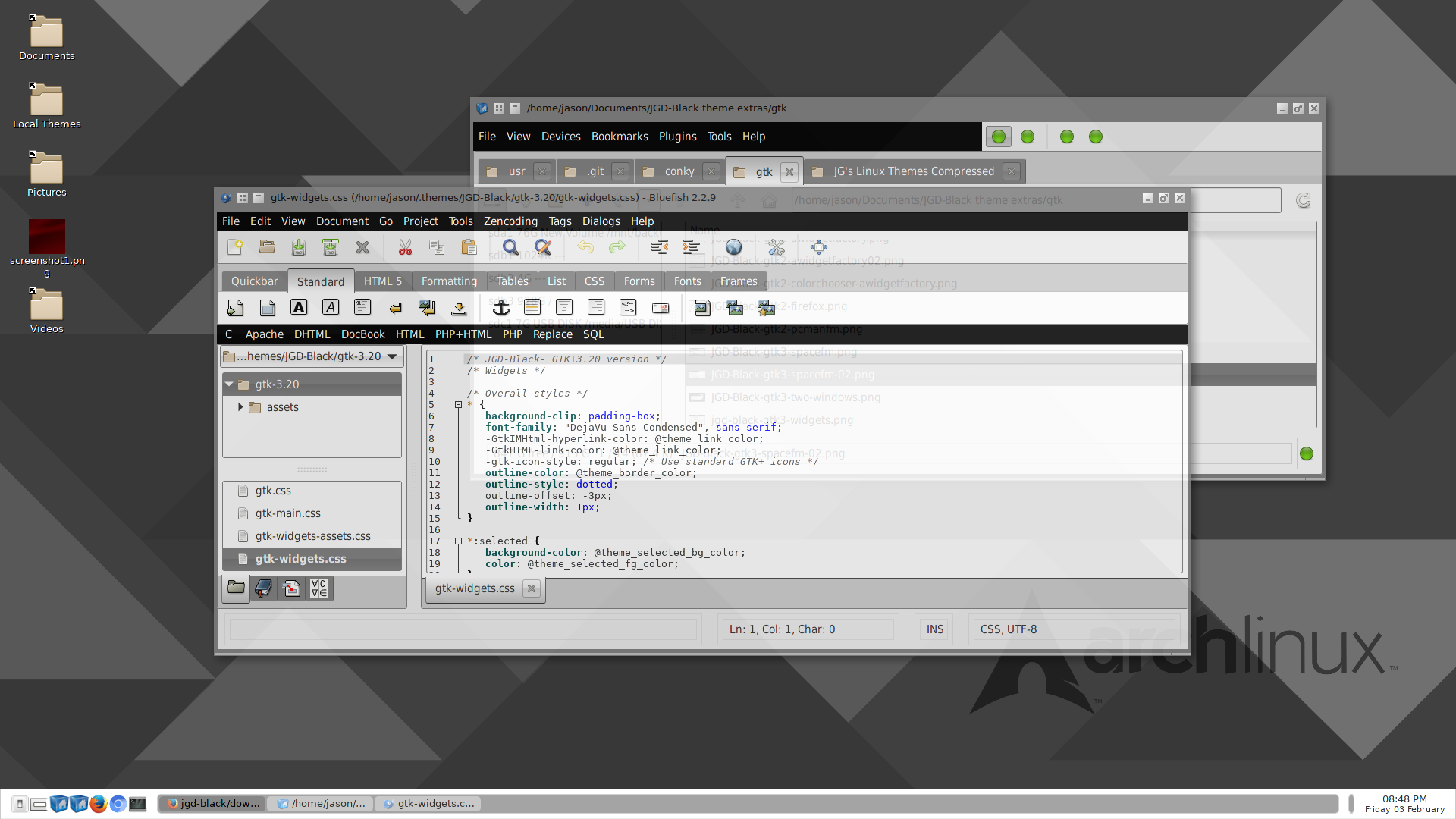
In the newest version, I added padding around client side decorated windows to allow for “grab handles” around the windows. Before, because there was no padding, the windows weren’t resizable. I also added drop shadows around the top level window, using the .csd class, which appears only in windowing environments that support compositing. Also, the look now more closely matches its Openbox counterpart.
Additionally, I added a new dark variant. To use the dark variant in applications, you can specify dark themes with Gnome Tweak, or enter this into the file located at /.config/gtk-3.0/settings.ini:
gtk-application-prefer-dark-theme = true
To reverse the theme back to normal, just reverse this back to false. Note that this setting will probably apply to any current theme that has a dark variant.
The wallpaper shown in the background is Protruding Triangles- Arch. There are two versions, one with the Arch official logo and one without.
- Protruding Triangles (without logo)
- Protruding Triangles- Arch