Upon updating this theme, I couldn’t stop at just the changes I previously made. So below, I am presenting a before and after for Mixin’ Styles latest features.
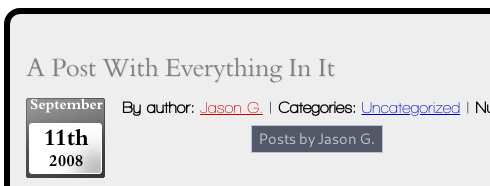
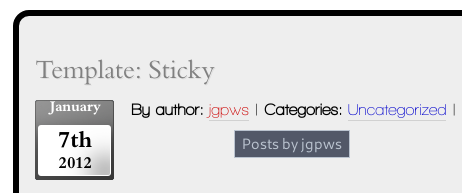
Link Style
Link styles in Mixin’ Styles version 1.0
Link styles in Mixin’ Styles version 1.1
Page Links
Page links before weren’t very prominent
Now they take on the button style
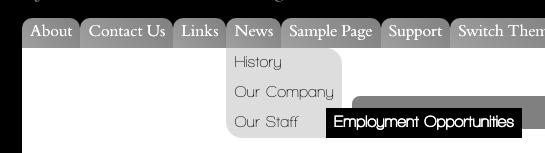
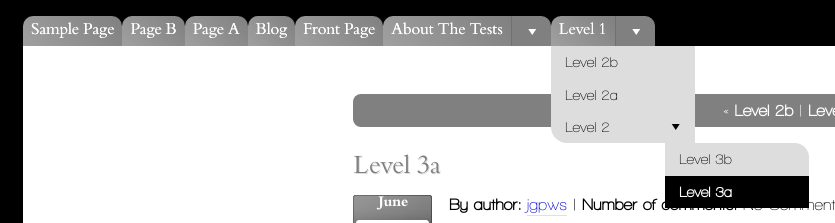
Header Menu
Mixin’ Styles previous hover only tab menu
Mixin’ Styles new jQuery menu
Mixin’ Styles menu wide tab style
Mixin’ Styles menu buttons style
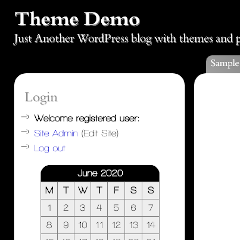
Sidebar Layout
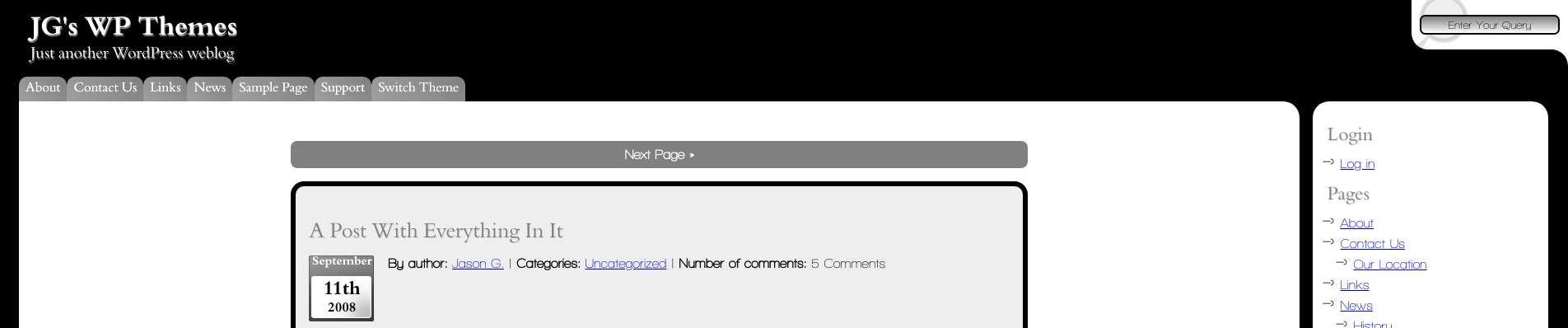
Right side only sidebar before
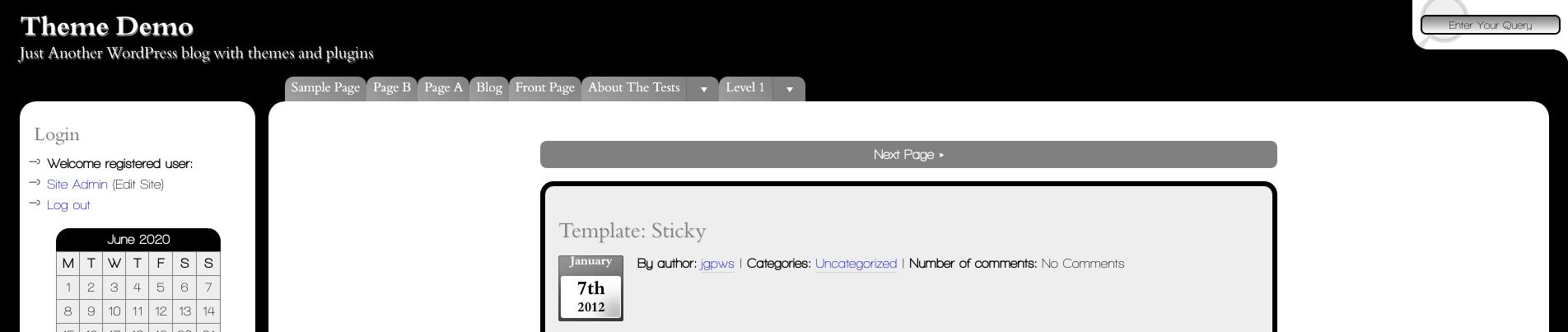
Left sidebar in version 1.1
Bottom sidebar in version 1.1
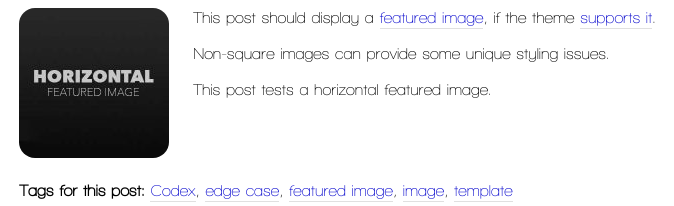
Featured Images
Featured images in Mixin’ Styles were only 100px wide
New standard featured image is thumbnail size (150 x 150 px)
New option for a medium sized featured image
New option for a large sized featured image
Gallery
Galleries in version 1.0 used standard WordPress styling
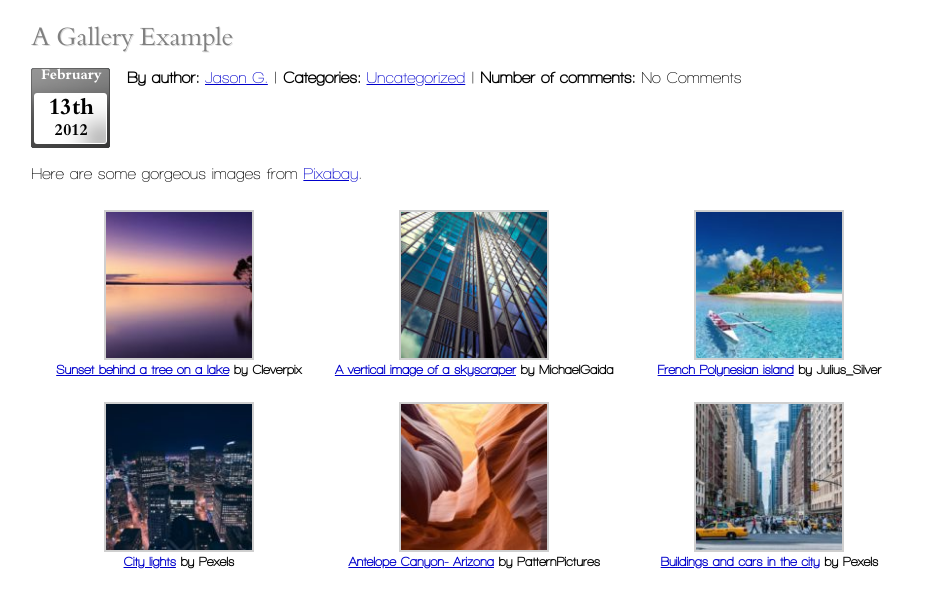
In Mixin’ Styles 1.1, galleries use html5 code, with highlighting for linked thumbnails. Gallery images are now given rounded corners
…and slightly different styling for gallery blocks with the same highlighting
Once again, the new version is available at GitHub and the theme’s home page. For this theme, I am keeping two versions in the case that I implement SASS, Gulp or other build tools in the future. Then, the GitHub version will include the (possible) build tools.
Future updates will focus on Gutenberg compatibility.
Thank you if you downloaded and tried out this theme.
Contains information related to marketing campaigns of the user. These are shared with Google AdWords / Google Ads when the Google Ads and Google Analytics accounts are linked together.
90 days
__utma
ID used to identify users and sessions
2 years after last activity
__utmt
Used to monitor number of Google Analytics server requests
10 minutes
__utmb
Used to distinguish new sessions and visits. This cookie is set when the GA.js javascript library is loaded and there is no existing __utmb cookie. The cookie is updated every time data is sent to the Google Analytics server.
30 minutes after last activity
__utmc
Used only with old Urchin versions of Google Analytics and not with GA.js. Was used to distinguish between new sessions and visits at the end of a session.
End of session (browser)
__utmz
Contains information about the traffic source or campaign that directed user to the website. The cookie is set when the GA.js javascript is loaded and updated when data is sent to the Google Anaytics server
6 months after last activity
__utmv
Contains custom information set by the web developer via the _setCustomVar method in Google Analytics. This cookie is updated every time new data is sent to the Google Analytics server.
2 years after last activity
__utmx
Used to determine whether a user is included in an A / B or Multivariate test.
18 months
_ga
ID used to identify users
2 years
_gali
Used by Google Analytics to determine which links on a page are being clicked
30 seconds
_ga_
ID used to identify users
2 years
_gid
ID used to identify users for 24 hours after last activity
24 hours
_gat
Used to monitor number of Google Analytics server requests when using Google Tag Manager
1 minute
SourceBuster is used by WooCommerce for order attribution based on user source.
Name
Description
Duration
sbjs_session
The number of page views in this session and the current page path
30 minutes
sbjs_udata
Information about the visitor’s user agent, such as IP, the browser, and the device type
session
sbjs_first
Traffic origin information for the visitor’s first visit to your store (only applicable if the visitor returns before the session expires)
session
sbjs_current
Traffic origin information for the visitor’s current visit to your store
session
sbjs_first_add
Timestamp, referring URL, and entry page for your visitor’s first visit to your store (only applicable if the visitor returns before the session expires)
session
sbjs_current_add
Timestamp, referring URL, and entry page for your visitor’s current visit to your store
session
sbjs_migrations
Technical data to help with migrations between different versions of the tracking feature











Leave a Reply