Video Tutorial- How to Move an Element Position Before and After with JavaScript

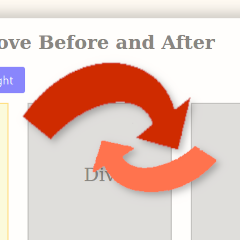
In this tutorial, we will take an unlimited number of similar elements on the page, and move one item ahead of or before the current one.

In this tutorial, we will take an unlimited number of similar elements on the page, and move one item ahead of or before the current one.

In this tutorial, we will create a basic selection interface. Using JavaScript, HTML and CSS, our finished product will highlight identical elements on the screen from clicking next and previous buttons.
I just recently posted a new tutorial for JGD-BizElite on YouTube. In this part 1, It shows how you can use the theme to create a landing page. It also showcases some of Gutenberg’s blocks.
This tutorial picks up from the last tutorial in a series, titled How to Convert a Desktop Design to a Responsive Design- Part 3. However, that tutorial isn’t required as a prerequisite. In this one, we will use the lightbox2 script in our portfolio example, then apply it to all linked images. Quite simple. Let’s […]
Welcome back to the responsive design series. This tutorial series has been on a long hiatus because I started working on other updates and what not. But since I started working with my portfolio site with the aim of completing it, after several months I am reviving it to pick up where we left off.

So, recently my WordPress theme, The M.X. needed an update and it didn’t pass Theme Check. I ran Theme Check and it wouldn’t even load the theme files, easily maxing out the PHP file size limit.