Mixin’ Styles- GB 1.4 New Headers and Footer
In a previous post, I introduced new button and navigation styles for the latest version of Mixin’ Styles- GB. As promised, here I will present the new header and footer patterns.
In a previous post, I introduced new button and navigation styles for the latest version of Mixin’ Styles- GB. As promised, here I will present the new header and footer patterns.
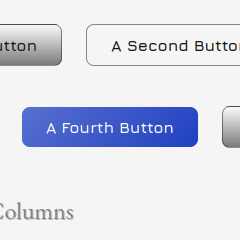
The latest version of Mixin’ Styles- GB just dropped– version 1.4. With it brings new Button and Navigation block styles, which I am proud to showcase. These have been in planning for a while and I’ve finally gotten around to it.
In this short tutorial, we will add an element to an existing layout that sticks to the top of the page, as long as it is within a parent element. An example file is provided if you wish to follow along.
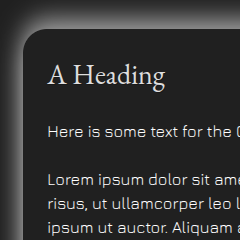
Did you know that since WordPress 6.5 that you can add drop shadows to several blocks? A drop shadow can be used with the Button, Image, Column and Columns blocks. But, you can also use it with other blocks, which we will use for the examples here.

As part of ongoing new features and maintenance of Mixin’ Styles- GB, I rolled out a new major update. If you were using this theme before, you may be thinking ‘What’s so major about it.’ The theme still looks the same. It indeed does, but the difference is the underlying way it is presented. In […]

This tutorial follows a previous tutorial Adding Google Fonts to a WordPress Block Theme Without a Plugin. But it can be viewed as standalone. Within, we will add a new font to an example version of the Mixin’ Styles- GB theme. Then, we will put the font to use in the theme, making adjustments along […]