Fix for WordPress Admin Bar with Skrollr in Mobile

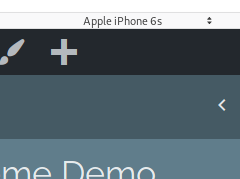
If you have created a WordPress website or theme that uses skrollr.js, you might know that it uses an alternative variation of scrolling for mobile devices,

If you have created a WordPress website or theme that uses skrollr.js, you might know that it uses an alternative variation of scrolling for mobile devices,

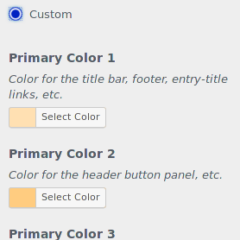
You’ve probably seen the action of hiding Customizer controls until you click a radio button within the Static Front Page section. You have a choice between Your latest posts and A static page. When a user selects a static page, two more controls appear.

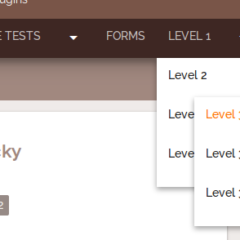
Okay, so this is a continuation of a previously written tutorial, Hiding and Showing a WordPress Menu on Mobile Devices. In that tutorial, I described how to create a JS controlled dropdown menu that turns into a button in mobile devices.

In the course of updating Urban Square, I noticed the theme’s high definition background did not match with the options for WordPress’s built in custom background feature.
Recently, I added a menu feature to the theme for this website as well as for Urban Square awhile back. The feature is a button that hides and shows a menu specifically designed for a mobile phone. The same menu would be used for the desktop layout, but styled differently for the mobile phone.
In this short tutorial, I will describe how I added a class to WordPress’s body_class tag inside of an if statement.