
Fix for WordPress Admin Bar with Skrollr in Mobile
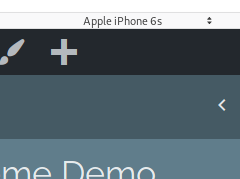
If you have created a WordPress website or theme that uses skrollr.js, you might know that it uses an alternative variation of scrolling for mobile devices,
If you have created a WordPress website or theme that uses skrollr.js, you might know that it uses an alternative variation of scrolling for mobile devices,
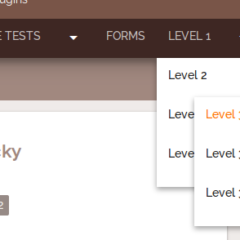
Okay, so this is a continuation of a previously written tutorial, Hiding and Showing a WordPress Menu on Mobile Devices. In that tutorial, I described how to create a JS controlled dropdown menu that turns into a button in mobile devices.
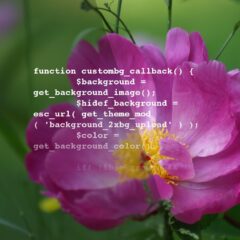
In the course of updating Urban Square, I noticed the theme’s high definition background did not match with the options for WordPress’s built in custom background feature.
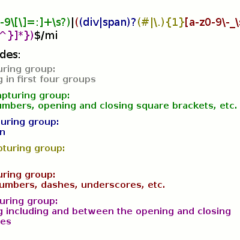
I know, I know. Right off the bat, developers will ask you why wouldn’t you use an existing CSS parser and integrate it into your projects? If you are creating a more limited use
Recently, I added a menu feature to the theme for this website as well as for Urban Square awhile back. The feature is a button that hides and shows a menu specifically designed for a mobile phone. The same menu would be used for the desktop layout, but styled differently for the mobile phone.
As everybody knows by now, the way that custom headers are created and implemented in WordPress since version 3.4 has changed. The older method of using add_custom_image_header and constants in place of variables is now deprecated.