Blue Green Blast Tutorial is Now Updated for WordPress 3.0
If you followed the former Squidoo tutorial series beginning with Creating a Fancy Website Layout in Gimp 2.6 and ending with Converting a Static HTML Site into a WordPress Theme- Part 2, you may know that these tutorials are out of date. Even though they are comprehensive, they leave out current best coding practices and more importantly, they are do not take advantage of WordPress 3.0!
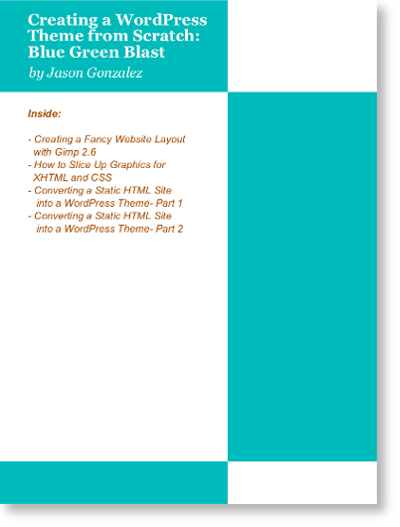
Book Cover for the Blue Green Blast tutorial
What if I am not a WordPress theme developer and didn’t follow your tutorials?
If your are interested in learning to develop WordPress themes, this set of tutorials is a very easy way to get up to speed. You don’t need to have followed the former Squidoo tutorials, as these are updates of those tutorials. This tutorial set is easy to follow, without any advanced or complicated code. In addition, Blue Green Blast Plus gives you WordPress 3.0 features to study. Designing WordPress themes is just one more marketable skill to add to your arsenal. These tutorials will provide a launch point.
For a low price of only $3.95, you get:
- All four tutorials, updated for WordPress 3.0
- Standard PDF file format, for easy printing from anywhere
- The Blue Green Blast Plus child theme that extends Blue Green Blast with post thumbnails, custom image header (logo) and editor styling that matches the front end (no more Previewing)
- Blue Green Blast Plus is only offered exclusively with this tutorial pack
-
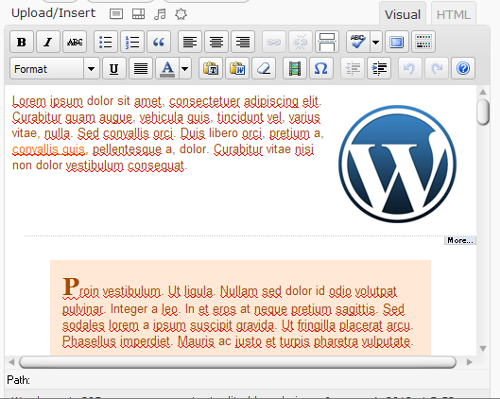
- WYSIWYG editor matches the styles in the front end
-
- Post thumbnails
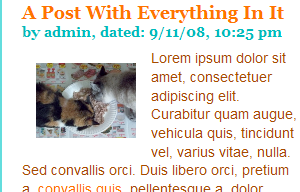
-
- A custom logo in Blue Green Blast Plus

To get the latest tutorials, click Add to Cart below:


If you downloaded this tutorial and are using Linux for theme development, see the post Ubuntu Linux, Permissions and a Local WordPress Install for important information.
* Blue Green Blast Plus requires the free download and installation of Blue Green Blast.
1 Comment
Trackbacks and Pingbacks
Trackback URL for this post: https://www.jasong-designs.com/2012/01/06/blue-green-blast-tutorial-is-now-updated-for-wordpress-3-0/trackback/
-
[…] This tutorial is now outdated. To get the latest tutorial, see the page Blue Green Blast is Now Updated for WordPress 3.0. […]
-
[…] tutorial is outdated. Please see Blue Green Blast Tutorial is Now Updated for WordPress 3.0 for more […]
Hi, I just came by to learn about this blog. It appears really full of great content and
I enjoyed viewing it, thank you for the great post!